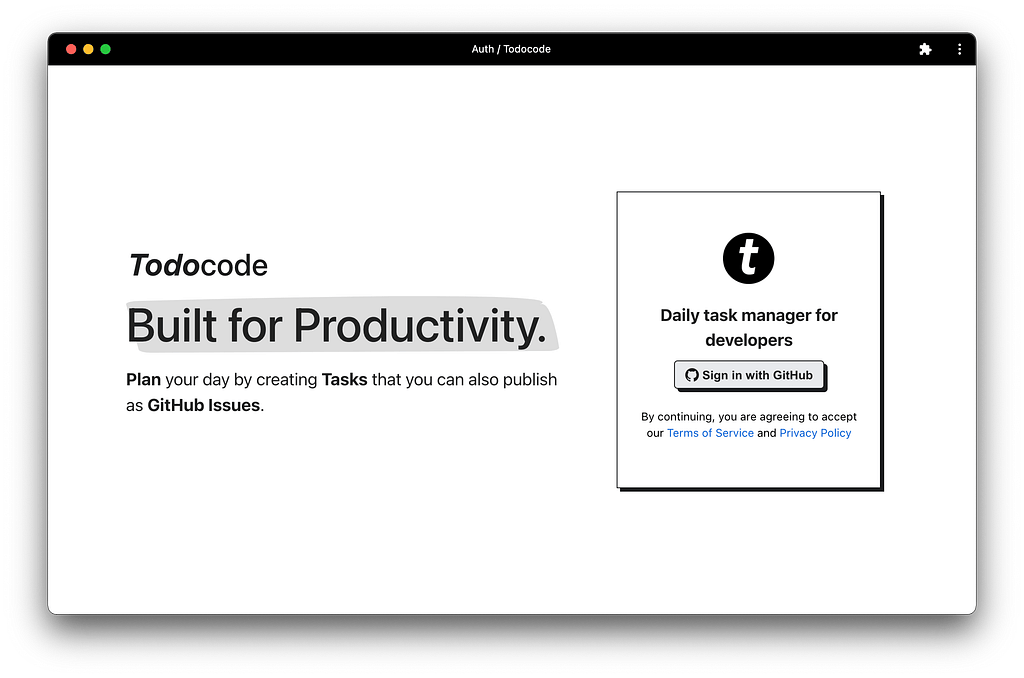
Todocode is a task manager for Developers who want to plan their day with personal items or work items in a simple and intuitive way.
How It Works
As developers, we tend to use Github which is a code hosting platform for version control and collaboration that lets you and others work together on projects from anywhere.
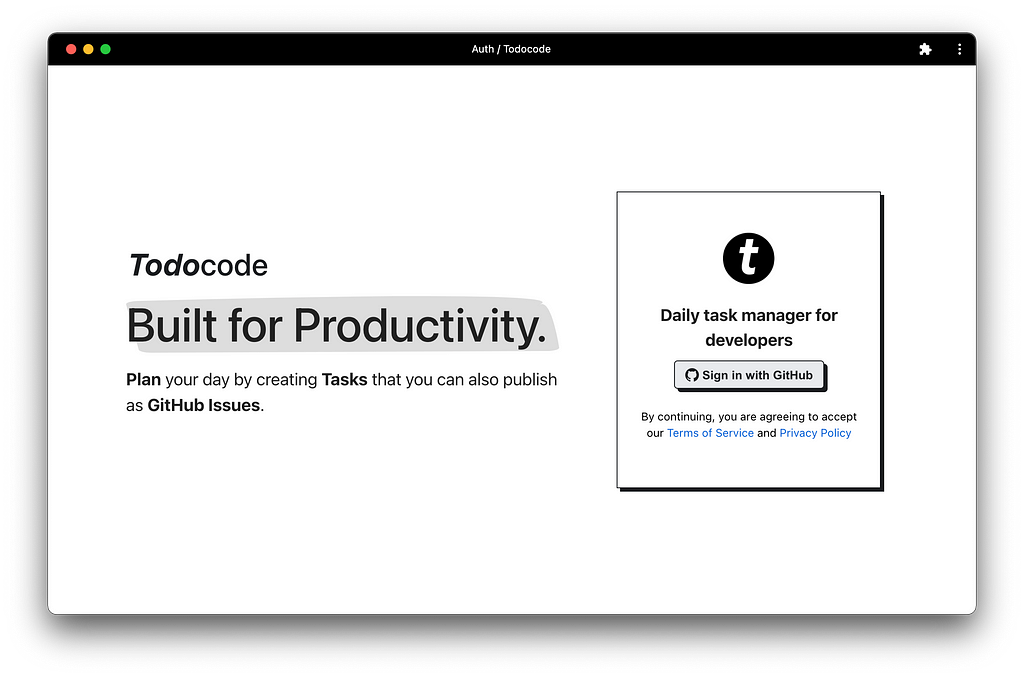
Todocode requires you to sign up with Github so that you can create tasks that are GitHub Issues. Additionally, you can create general tasks like “Do laundry”.
Todocode is a Progressive Web Application which means that you can install it as an application on your computer.
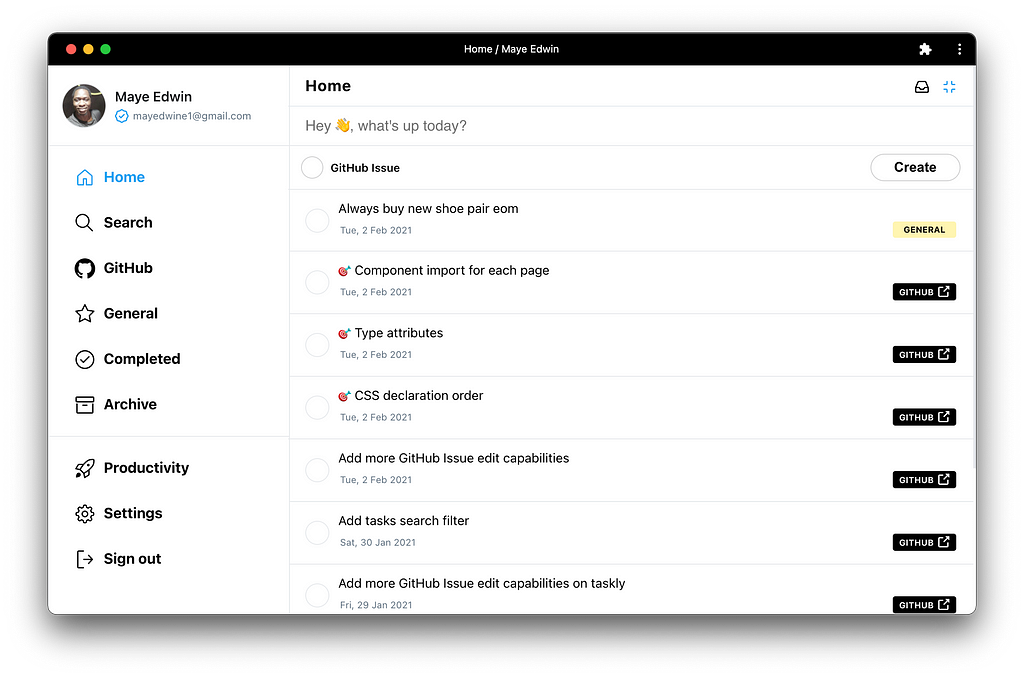
image highlighting the tasks
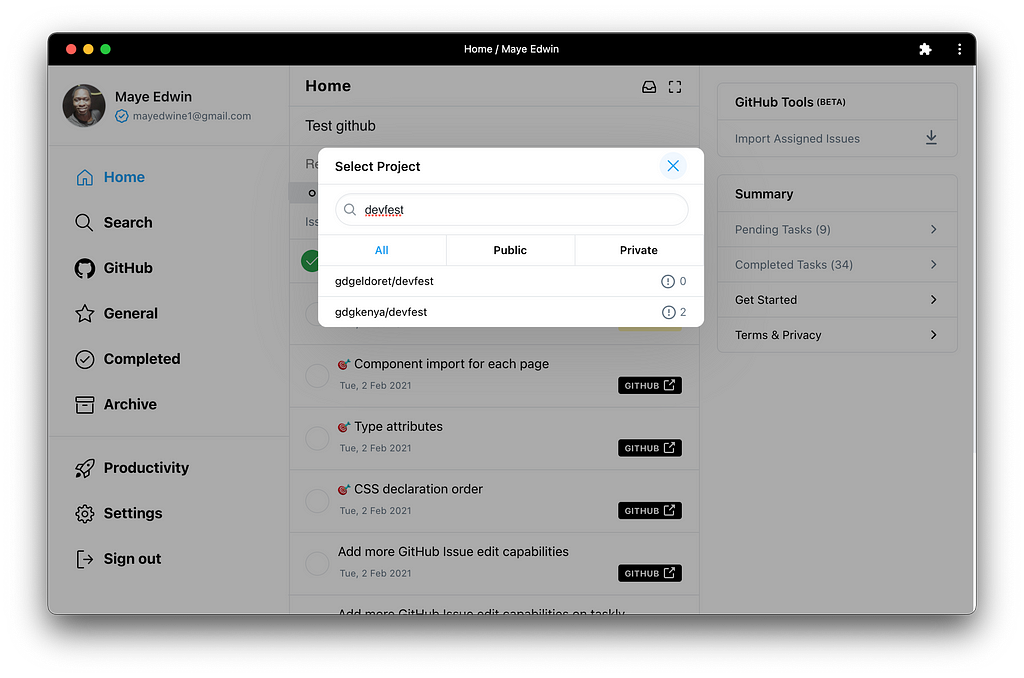
To create tasks that are linked to issues on your Github you can check the Github issue box. Once you check the box you will get a pop-up that shows you the list of all Repositories you have whether public or private and select the one you need to link to.
When you complete the Github issue task it automatically closes the issue.
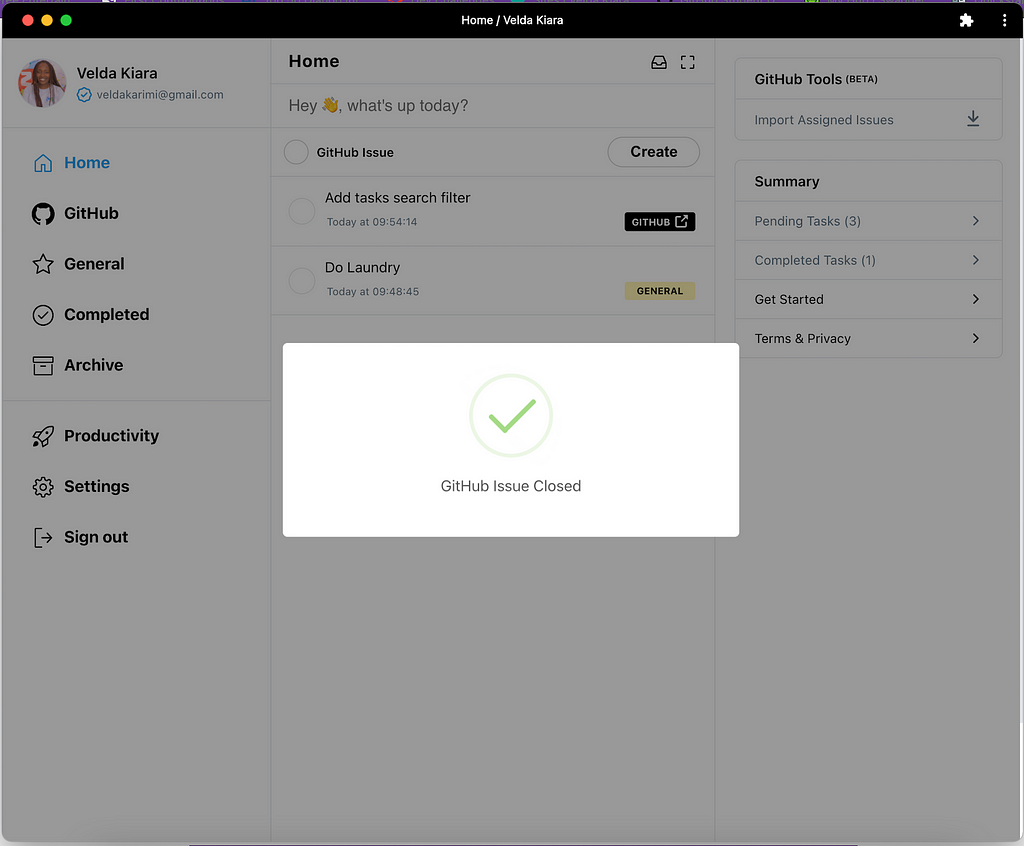
In cases where you want to reopen the issue, you can press the pink button and the issue will be reopened.
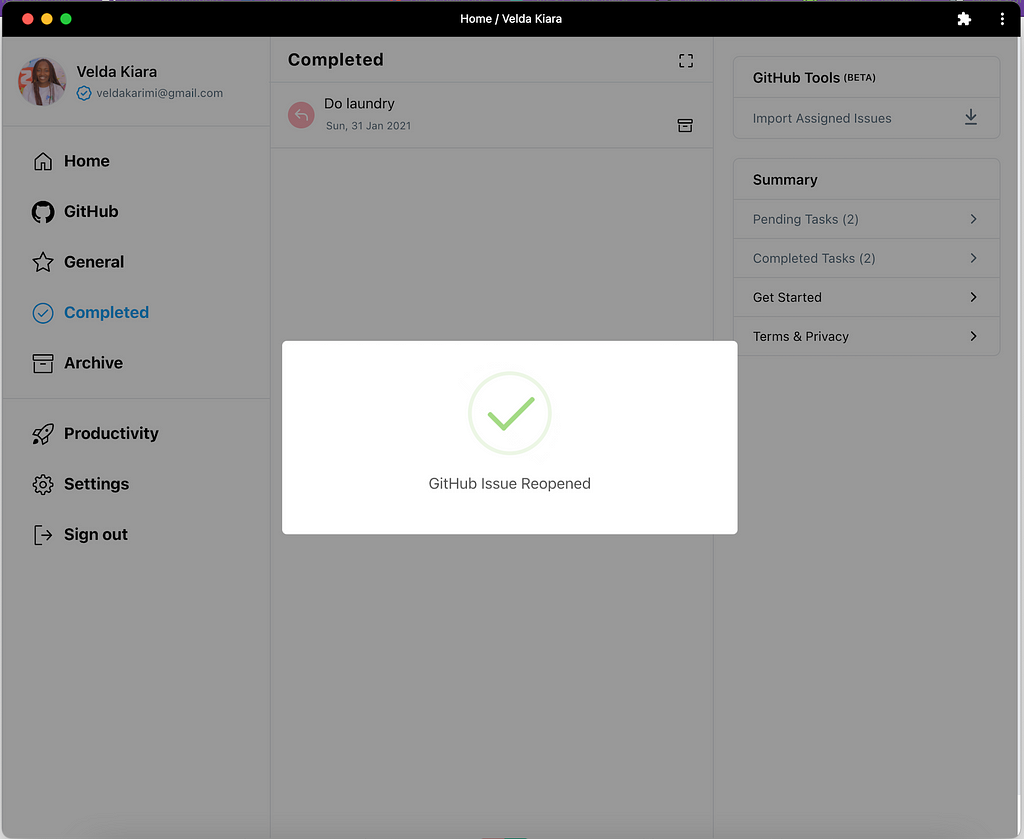
When you close or reopen a task on Todocode, the same is updated on your GitHub Projects for GitHub Tasks.
A special feature we have is that you can easily import issues that have been assigned specifically to you from Github to Todocode.
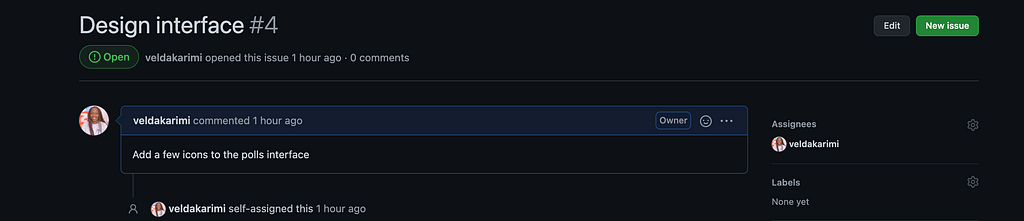
Velda is assigned an issue on Github
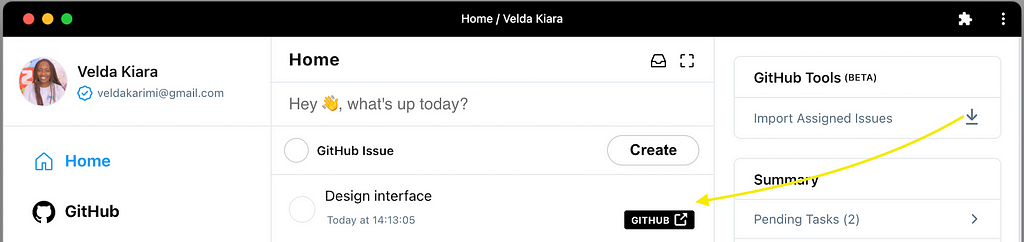
After importing the assigned issue
We also have a feature that allows you to maximize the tasks bar in case you minimize your Todocode window. The feature is highlighted below.
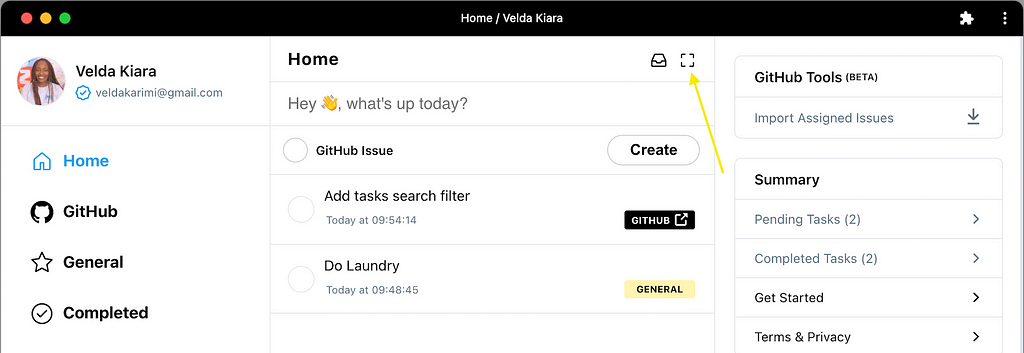
Before Maximizing the taskbar screen
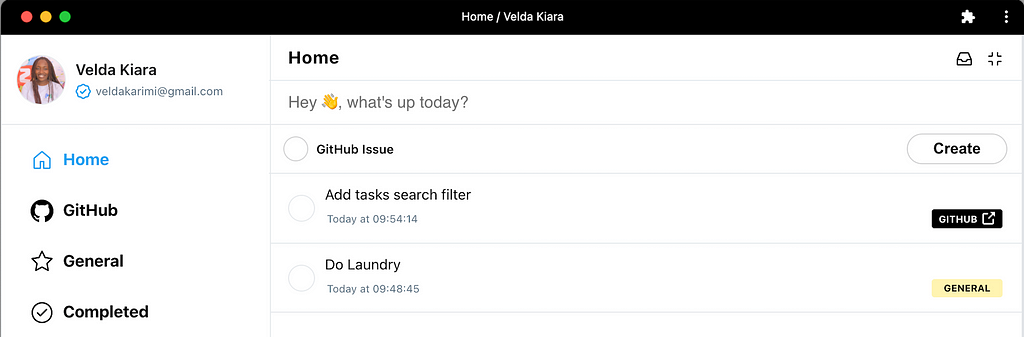
After Maximizing the taskbar screen
The Productivity feature gives you information on your progress through a simple snapshot.
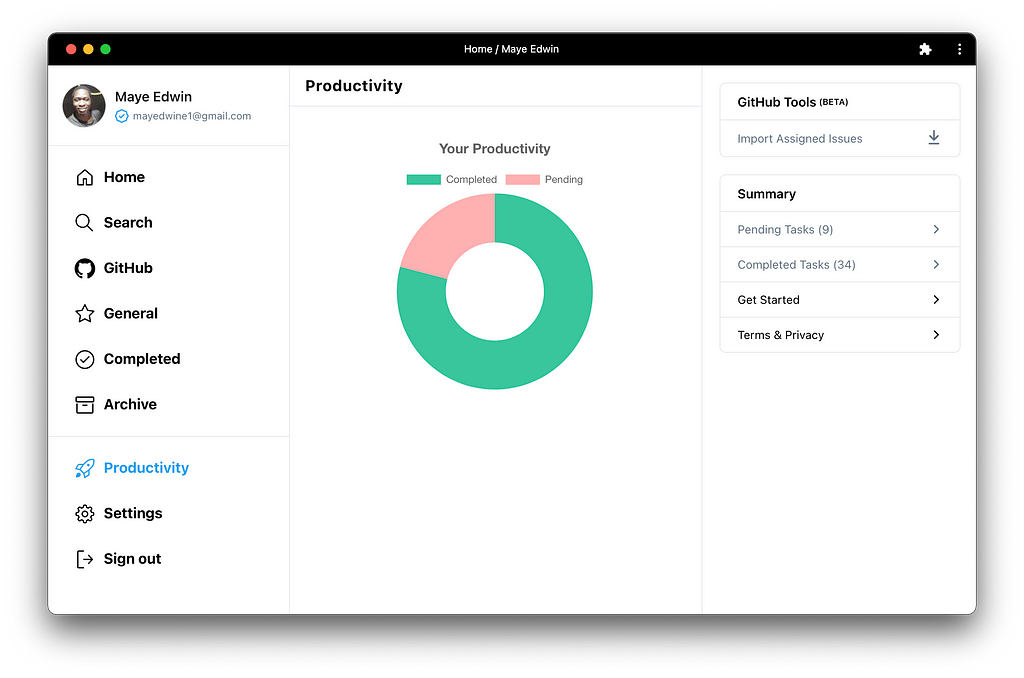
productivity feature
Notifications
To get notifications you need to install from Chrome Tab as a Desktop PWA. Once installed, you can always see the Icon Badge whichshows you the number of Pending Tasks. No noise. Just visual alerts.
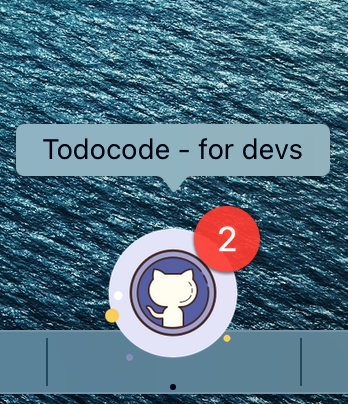
Notifications